Compare printer lease plans from $160 a month (plus GST). Every plan includes toner, drum, servicing on breakdowns and remote support, with zero cash upfront and flexible 3, 4 or 5 year term




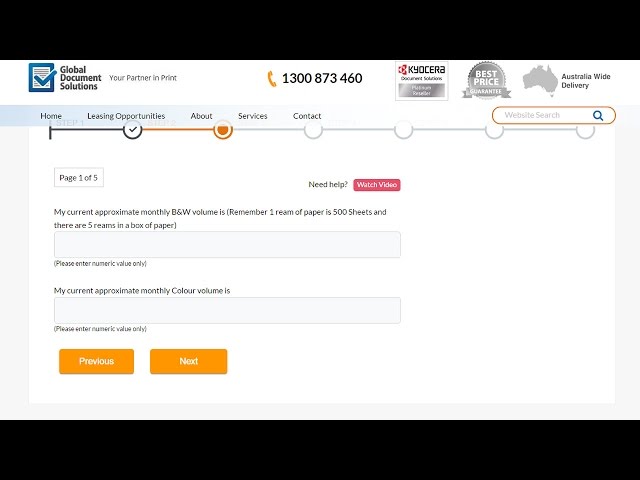
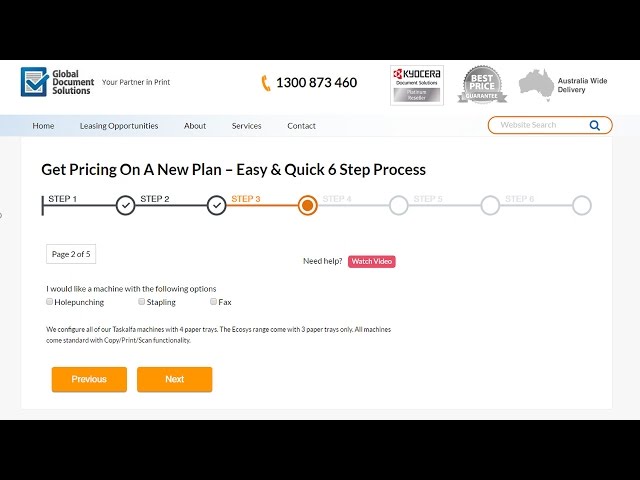
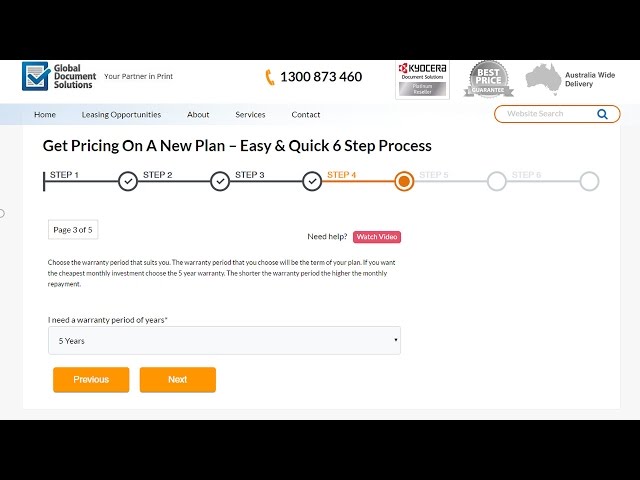
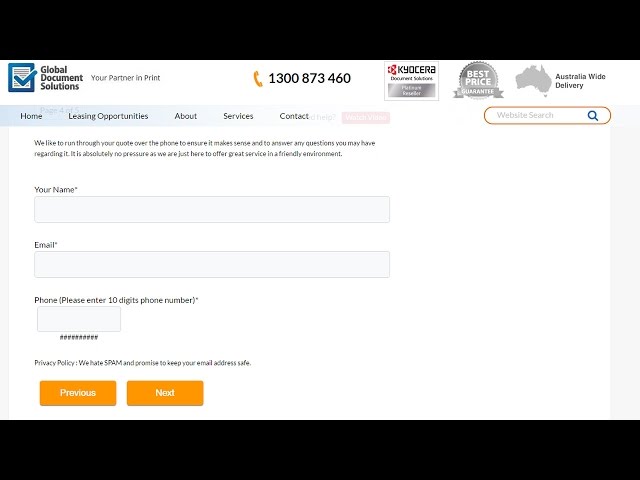
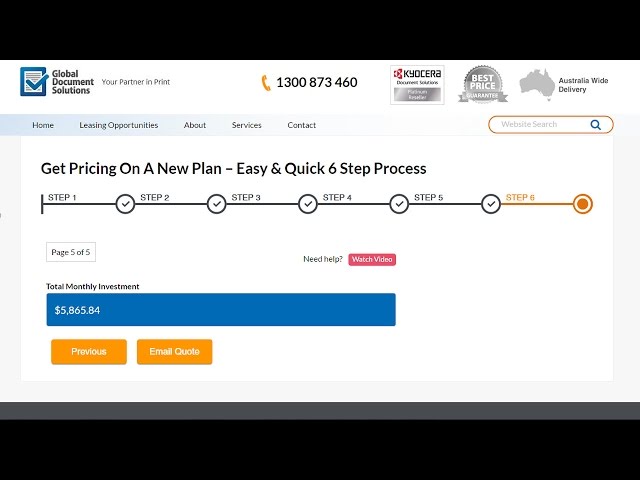
No Obligation Quote. Instant Savings Results Online. Easy 4 Steps Process.
- Free toner – included in the monthly lease
- Free drum replacement
- Free servicing on breakdowns
- Free and fast response remote tech support and fixes by computer
- Zero up front cost
These points frequently add up to over $5,000 in savings over a few years with the averages $6,997 for businesses when compared to their old, owned printer/copier use.
All you need to do is print or copy and change the toner or drum when needed, with is provided along with easy to follow, simple instructions.

With a more powerful, fast and efficient printer and copier you’ll also save a lot of time waiting for the machine to print the volumes you need.
With its large paper trays you won’t have to stand by the machine all the time, waiting for it to slowly print and refill the paper tray every 200 pages.
And if the machine stops working, you’ll save hours by simply making a quick 1300 phone call and get help from support immediately.
What’s your time worth per hour? For any time saved of an employee is profit doubled.
Just think, no more having to go to Officeworks when you run out of toner or need to go and buy a replacement drum. Everything is taken care of in the lease.
Rent an A4 Colour Multifunction for as little as $5 per day or an A3 Colour
Multifunction for only $7 per day
Below are a few sample plans.
Your business may need something completely different to those volumes of paper each month, so our plans are created for your exact situation and needs to optimise your savings.
Does your business only print a dozen colour pages one month, but hundreds another month? That’s fine, that can be accommodated with a pay-per-page option in the lease.
Whatever your printing, copying or multi-function needs for your business, you’ll enjoy the perfect, tailored lease solution that’s right for your business, to save you thousands, with a printer lease Gold Coast.
You will receive a top quality, large capacity machine with rapid-response support and save thousands in the process. It’s a ‘no-brainer’ decision to lease compared to owning your own machine that can be out of date and nearly worthless in just a few years.

- A3 / A4
- Double Siding
- Copy, Print, Scan, Fax
- Free servicing Australia wide
- Print audit software
- 2000 B&W Monthly Free Prints

- A3 / A4
- Double Siding
- Copy, Print, Scan, Fax
- Free servicing Australia wide
- Print audit software
- 2000 B&W and 200 Colour Monthly Free Prints

- A3 / A4
- Double Siding
- Copy, Print, Scan, Fax
- Free servicing Australia wide
- Print audit software
- Stamping & holepunching
- 5000 B&W and 500 Colour Monthly Free Prints
Multifunction for only $7 per day
If you want to know more about technical details of our leasing options,
Or view our range of printer, copier and multi-function machines
Want your questions answered, or to learn what questions you need to ask to avoid making an uninformed decision?
There’s a lot to consider and more than a web page can tell you as needs vary a lot from office to office, so a friendly chat with one of our fully trained team is the best next step.
Some questions you should ask may be ones you’ll never think of, that’s why its best to phone so our team member can ask you questions to find out more about your exact needs to perfectly match a machine to your needs.
What if my business changes and the equipment no longer meets my needs?
When you enter a finance plan, you want to ensure it offers you the flexibility to upgrade or downgrade your machine within the term of your plan. You can enjoy free upgrades or downgrades and flexible terms to suit your budget.That’s just one of many questions people often don’t ask, but need to for a good outcome when you lease a printer for small business. That’s why its best to talk to a professional to help you to understand what’s most important in your printing/copying machine needs.
If you want an ‘out of the box’ solution please call us to discuss. Global Document Solutions also has the ability to fund 2nd hand equipment and you can receive cash by trading in old equipment when you choose us for your new equipment.

What every printer lease plan includes
Every plan bundles a Kyocera printer, toner, drum, breakdown servicing and remote support into one monthly payment, with nothing to pay upfront. Plans are built around how many pages you print, so you only pay for the capacity your business uses.
For a group of offices, what managed print costs per printer across several sites is set out with what sits inside the figure.
- Upfront cost
- Nothing
- Toner and drum
- Included and delivered to your door
- Breakdown servicing
- Included, with onsite technicians
- Remote support
- Included, by phone and computer
- Lease term
- 3, 4 or 5 years
- Changing machines
- Free upgrade or downgrade during the term
- Uneven colour printing
- Pay per page option available
- Old equipment
- Trade it in for cash
Printer lease questions, answered
What is included in a printer lease?
Our leases include the printer, toner, drum, servicing on breakdowns and remote support in one monthly payment. You only change the toner or drum when the machine asks, using the simple instructions supplied.
How long is a printer lease in Australia?
Our plans run for 3, 4 or 5 years. A longer term lowers the monthly payment, and you can upgrade or downgrade the machine during the term at no charge.
What happens at the end of a printer lease?
At the end of the term you choose your next step, such as moving to a newer model on a fresh plan. Ask us to walk you through the end of contract options before you sign so nothing comes as a surprise.
Can I lease a printer if I only print a little colour?
Yes. If your colour printing goes up and down from month to month, a pay per page option in the lease means you are not paying for colour you do not use.
Do I need an ABN to lease a printer?
A business printer lease is a finance agreement, so the financier will normally ask for an ABN and run a credit check before approval. Home offices and small businesses can lease too.
How fast can I get a printer lease quote?
The online calculator emails your quote in about 60 seconds. If you would rather talk it through, call 1300 873 460 or send a request and a specialist replies within 24 business hours.
The Kyocera printers our quote tool recommends most
These are the models businesses are matched to most often. Open any of them for the full specs, then get your own lease figure in about 60 seconds.
- Kyocera TASKalfa 2554ci25 pages a minute, A3 colour. Suits small teams printing 2 to 3 boxes of paper a month.
- Kyocera TASKalfa 3554ci35 pages a minute, A3 colour. Our most popular step up for busier offices.
- Kyocera TASKalfa 4054ci40 pages a minute, A3 colour. Built for larger groups and heavier monthly volumes.
- Kyocera TASKalfa 5054ci50 pages a minute, A3 colour. For high volume offices that cannot wait on the printer.
- Kyocera ECOSYS M8124cidnCompact A3 colour multifunction for small offices with light to medium printing.
- Kyocera ECOSYS M3540idn40 pages a minute, A4 black and white. Low running costs for mono printing.
Based on the Gold Coast? See Kyocera printer leasing on the Gold Coast from our local team.